
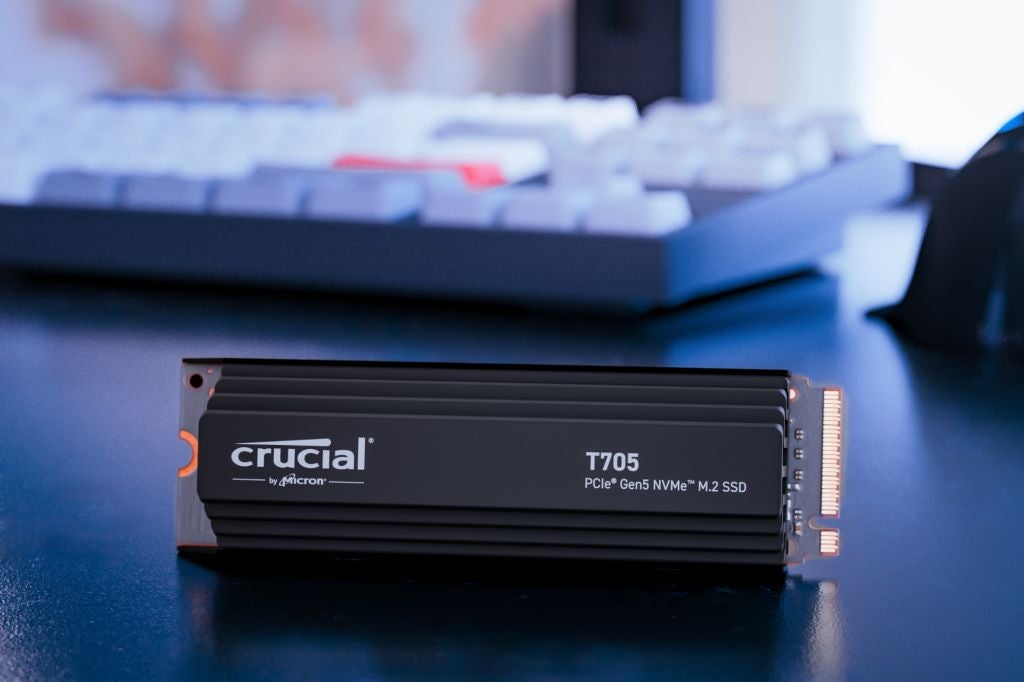
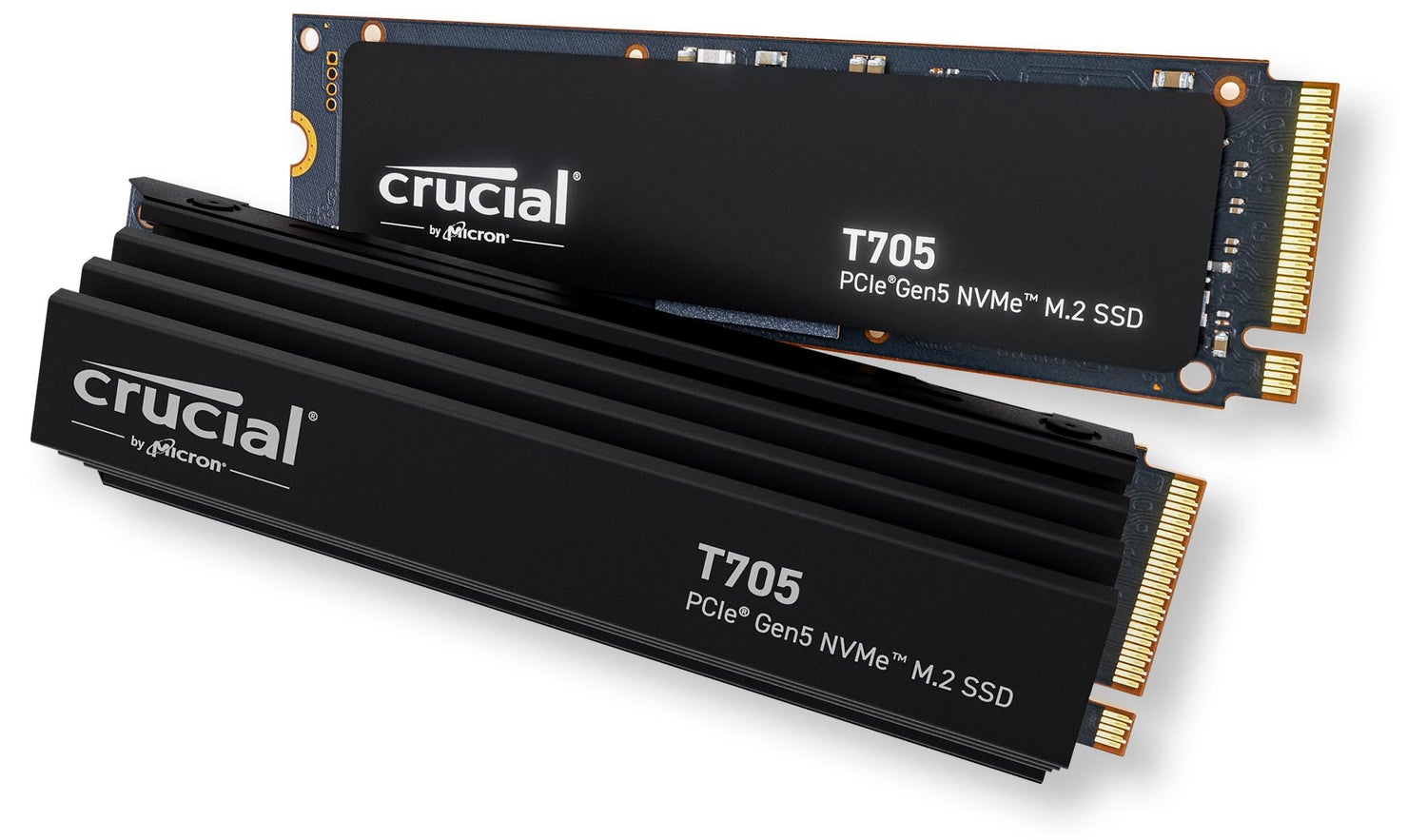
Crucial T705 support articles
Crucial T705 firmware updates
No firmware updates at this time.
NVMe SSD driver for Windows OS
NVMe SSD Driver enables additional management and support features for Micron and Crucial SSDs in Windows Operating Systems.
The NVMe drivers included with Windows are sufficient for most desktop users. Installation of this optional driver is primarily useful for troubleshooting SSD performance, or for certain Storage Executive functions.

Optimization and update utility
Storage Executive optimizes and updates your Crucial SSDs on Microsoft Windows computers. Supported drives:?Crucial X10 Pro, X9 Pro, X9, X8, X6, P-series, T-series, T500, MX-series, BX-series, M550, and M500 SSDs
Storage Executive only available for 64-bit systems.
Installation and warranty
Our easy install guide
Follow our step by step guide to make installation easy:
Preparation
Physical installation of your SSD
Installation of Crucial Storage Executive
Cloning using Acronis?